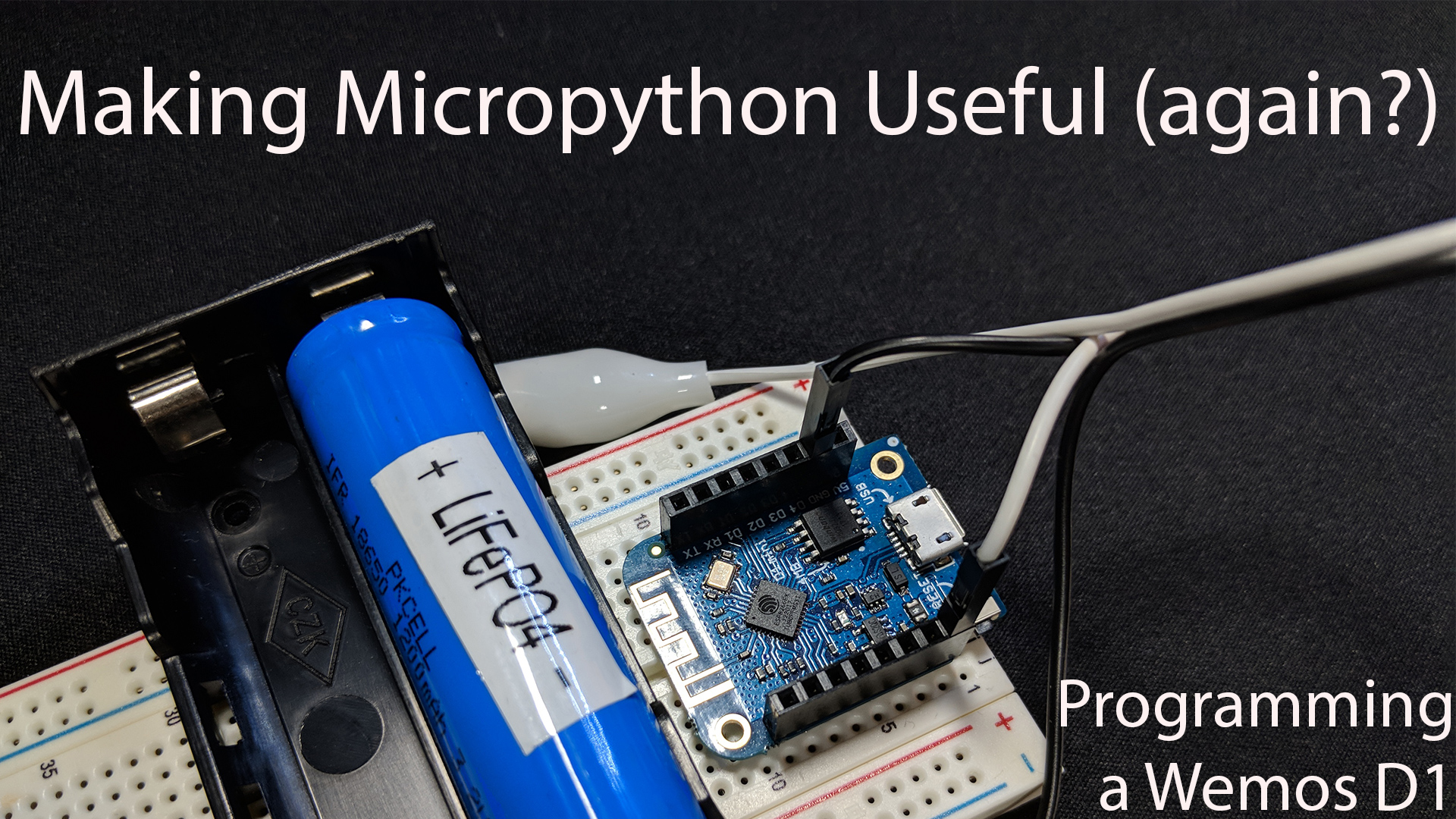
Welcome to Episodes #01 of the new Obviate.io video series where we’ll be flashing Micropython 1.9.3 onto a Wemos D1 Mini ( ESP8266 ) development board using Apple macOS.
Links:
- Wemos D1 Product Home
- Buy on AliExpress
- Micropython Download
- Wemos D1 Serial Drivers
- ESPTools
- LED Code Gist
Commands Run:
- Installing ESPTool:
pip install esptoolorsudo easy_install esptool - Find the esp8266 when plugged in:
ls /dev/cu.* - Erase Firmware:
esptool.py --port /dev/cu.wchusbserial1430 erase_flash - Write new Firmware:
esptool.py --port /dev/cu.wchusbserial1430 --baud 115200 write_flash --flash_size=detect 0 ~/Downloads/esp8266-20171101-v1.9.3.bin - Access Micropython REPL:
screen /dev/cu.wchusbserial1430 115200
In the REPL, if you’d like to copy and paste the code snipped, you must press ctrl+e to enter the special paste mode. Then paste the code from Github Gist. Then press ctrl+d to begin executing the code. To stop the code execution hit ctrl+c. To exit screen hit ctrl+a+\ .
Hopefully this tutorial was helpful. If you enjoyed it, please like / subscribe / comment. Let me know what you’d like to see next.