
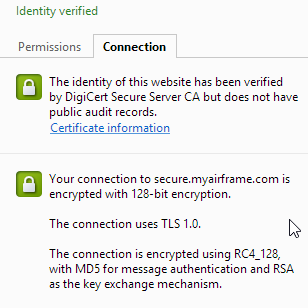
You probably think I’m crazy to mention IIS 6 in this day in age; you’d be right. Unfortunately legacy systems are legacy systems till they get replaced (hopefully soon). This weekend I had the joy of figuring out how to migrate a valid Apache SSL cert over to an old Windows 2003 box running IIS 6.
I started out with 4 SSL files of note: Intermediate CA chain .crt, my SSL .crt, my SSL .csr and my SSL .key. Keep in mind that all of these files are in standard PEM format (great serverfault article on the different formats). Those work great in Apache but what I needed was a .pfx for IIS to slurp in. Here’s the entire step-by-step:
- Log into your Linux server that contains the certs
sudo openssl pkcs12 -export -out wildcard.pfx -inkey wildcard.key -in wildcard.crt -certfile intermediate.crt- When it asks for an export password, you MUST provide one. Even if it’s just “a”, provide a password
- Transfer your pfx to Windows machine (it’s binary, FYI)
- Open Computer Management
- Find your SSL site in IIS, stop it.
- Right click, Properties (on said SSL site), Directory Security tab
- Server Certificate, Remove, Finish stepping through
- Server Certificate, Import a verification from a .pfx file
- Find your pfx file on the harddrive
- Notice it asks for you a password? Doesn’t let you click next? Yea, that’s why you exported with a password.
- Finish stepping through the process
- Start your SSL site
Congrats! You’ve completed your SSL work for the night. Now have a nice cold one and plan for your upgrade to a more modern server/OS/IIS.