Skip to content

Obviate.io

To anticipate and prevent

Video Tutorial: Writing code onto Micropython Wemos D1 using Ampy

Posted on 2018-02-05 By Jon No Comments on Video Tutorial: Writing code onto Micropython Wemos D1 using Ampy

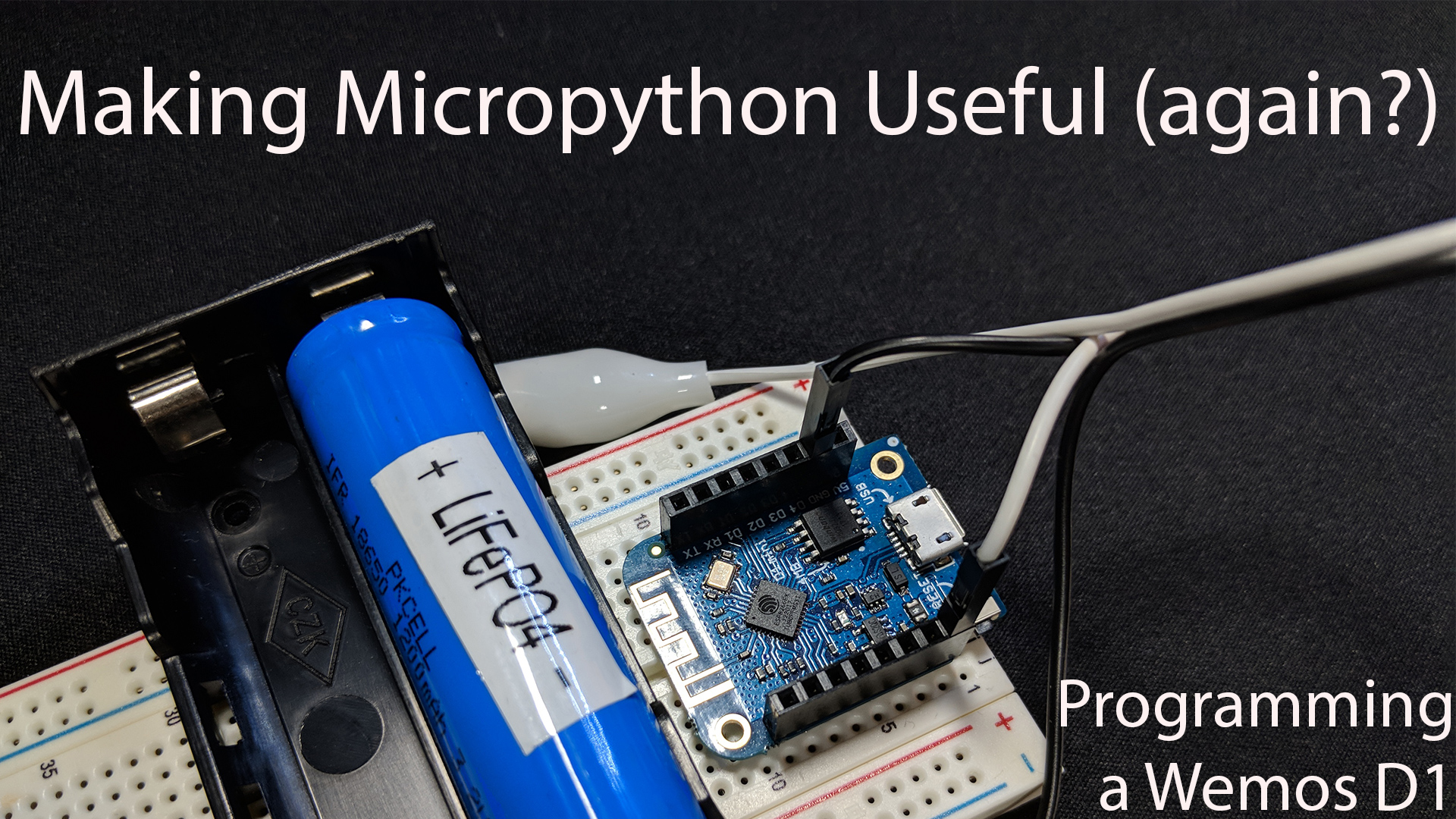
Last week we covered how to flash Micropython onto an ESP8266 (Wemos D1 Mini) but we had to type our code into the REPL by hand. That’s not terribly useful for a real world project, so this week we learn how to upload code and make it run on boot. We’ll be using a tool called Ampy, by Adafruit, since the Micropython world is a little immature.

Links & Commands

  • sudo easy_install https://codeload.github.com/obviateio/ampy/zip/master
  • GitHub repository for Obviate.io fork of Ampy
  • Github repository for original Adafruit Ampy

  • git clone https://github.com/obviateio/micropython.git

  • GitHub repository Micropython sample code
  • Alternate Zip download link

  • ls /dev/cu.*

  • ampy --port /dev/cu.wchusbserial1450 ls
  • export AMPY_PORT=/dev/cu.wchusbserial1450
  • ampy ls
  • ampy put blink.py main.py
  • ampy run blink_slow.py

For reliability reasons, I made some slight changes to ampy which sends more resets. So while in the video I state that you need to run ampy reset after a put, you probably will not need to do so. Though that command is still available to you should you desire.

The first tutorial seemed useful, so I’ll continue the series. If you enjoyed it, please like / subscribe / comment. Let me know what you’d like to see next!
Electronics, Video Tags:arduino, flash, howto, macOS, microcontroller, micropython, osx, python, tutorial, video, wemos d1 mini

Post navigation

Previous Post: Video Tutorial: Flashing Micropython on a Wemos D1 Mini
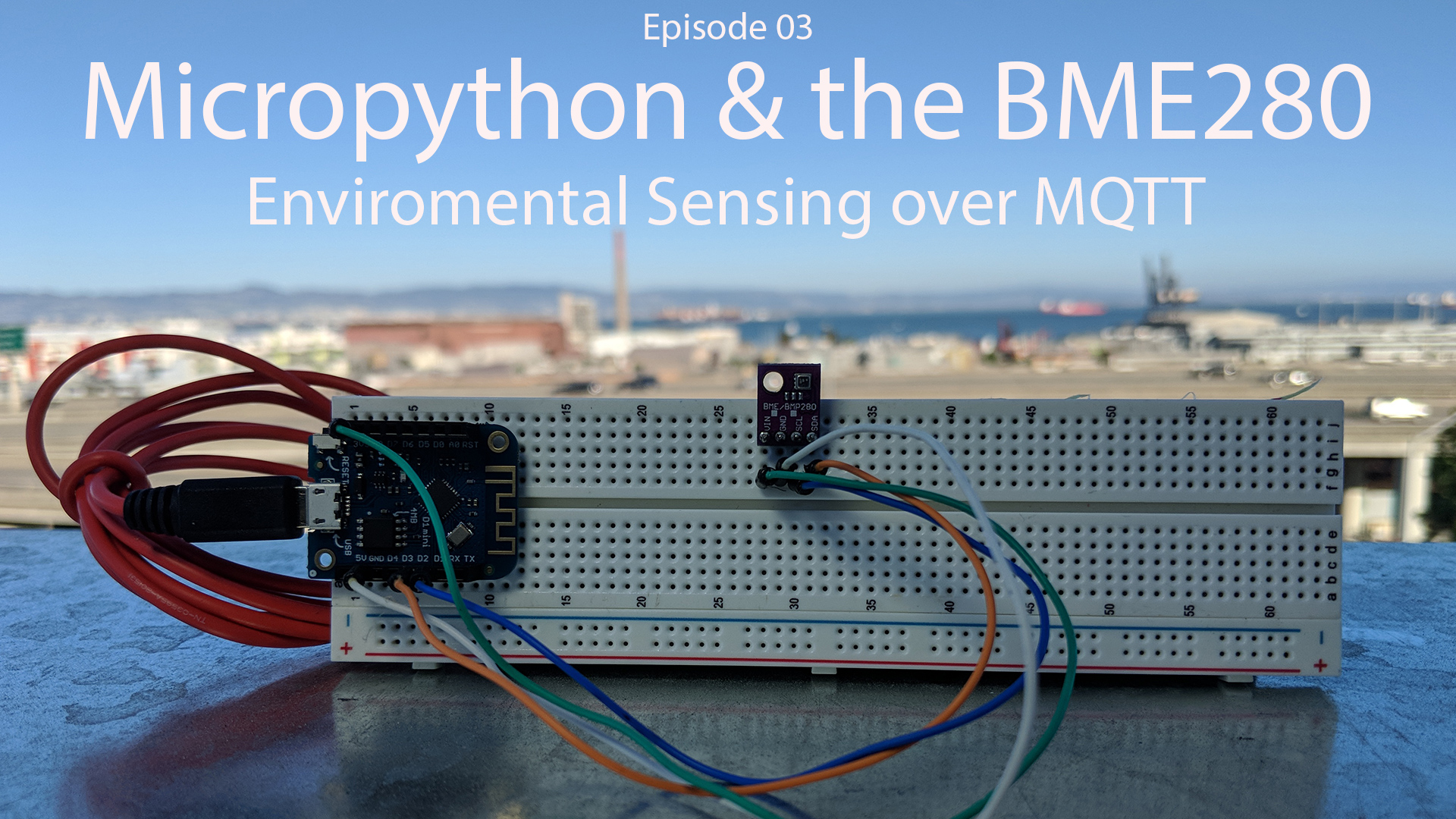
Next Post: Video Tutorial: BME820 Environmental Sensor and MQTT under Micropython

Related Posts

Video Tutorial: Flashing Micropython on a Wemos D1 Mini Video
Ride Friday: Adding a Givi E55 top case Motorcycles
Video: Android Folder Demo Android
Schedule change & new format Site Maintenance
Video Tutorial: BME820 Environmental Sensor and MQTT under Micropython DIY
Connecting a HID Prox Pro II RFID reader to Arduino Electronics

Leave a Reply Cancel reply

Your email address will not be published. Required fields are marked *

Copyright © 2026 Obviate.io.

Powered by PressBook Masonry Dark