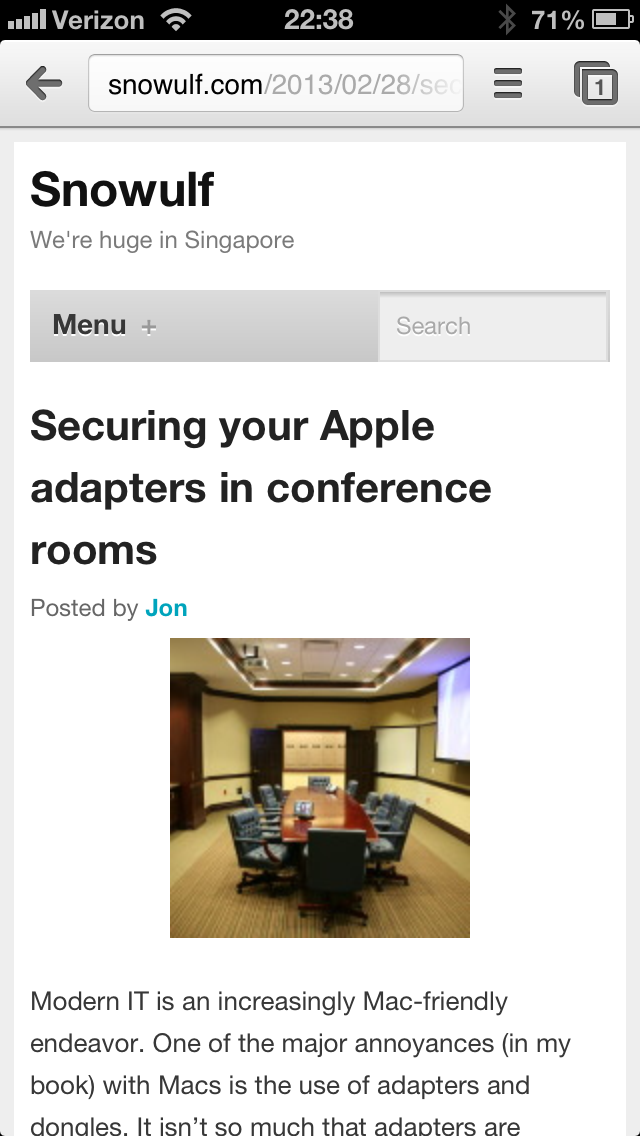
This past week or so has been pleasantly quiet for me at work, so I’ve actually had some time to myself. Additionally, I managed to spend a fair amount of time on the blog this weekend, both writing and doing miscellaneous site maintenance. One of the site maintenance related items was the discovery that the mobile site was horribly,
horribly broken. Currently the site’s traffic is roughly 13% mobile, up from 7% mobile this time 2012. I’d hate to disappoint all those loyal (albeit mobile) readers so I set about to fix it.
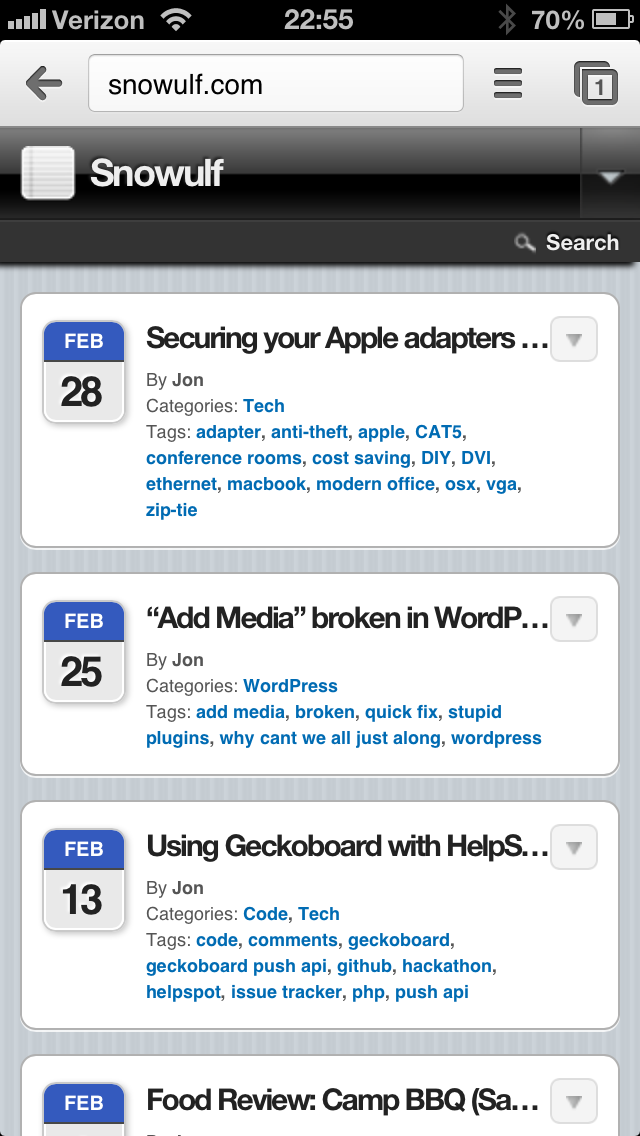
I cannot remember the last time I checked on the mobile version (I really should do that more) of the site, so I can’t say when it broke. However there have been many changes made including the upgrade to WordPress 3.5 which seems to have broken a great many things.
I had been running WPTouch, but since it was broken, I thought I’d deactivate it and try out the Jetpack.me Mobile Theme. That worked out much better, except for the fact that the images were all broken. Why would that be? Oh yes, my beloved mod_pagespeed strikes again. I added ModPagespeedDisallow */wp-content/uploads/* to the .htaccess file and the images were working again. Mobile restored.
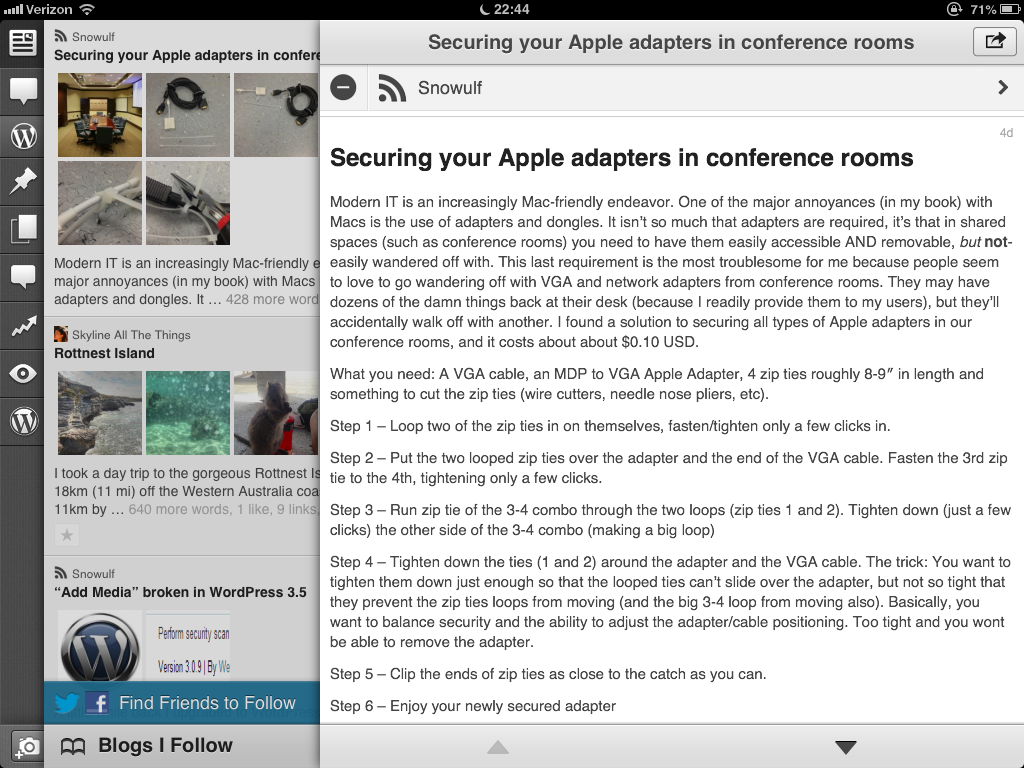
Although… if mod_pagespeed was an issue for Jetpack’s mobile, maybe that was the cause for WPTouch being broken too. So back to WPTouch we went and after a little tinkering I found the solution for that also. I added
ModPagespeedDisallow */wp-content/plugins/wptouch/* to the .htaccess file and now WPTouch works perfectly. I really think BraveNewCode has done an excellent job on WPTouch, so I’ll stick with them for now. In fact, I’m tempted to buy the pro version.
Oh, and if you’ve made the mistake of enabling Jetpack’s mobile theme and would like to deactivate it, it’s totally counter-intuitive. Go back to the Jetpack main menu in your admin screen, find “Mobile Theme” and click “Learn more”. Suddenly the “Configure” button morphs into a “Deactivate” button. I’m really not sure who thought that was a good usability design because I found many more users with the same issue.