
Typically when one talks about building virtual infrastructure the first thoughts go to big boxes loaded with as much redundancy as possible, slotted into a nice home at a datacenter. This is a great idea, however I ended up being tasked with something slightly different. I need to build ESXi servers that were small and cost-effective. Most importantly they were going to be shipped and run in remote offices without IT oversight.
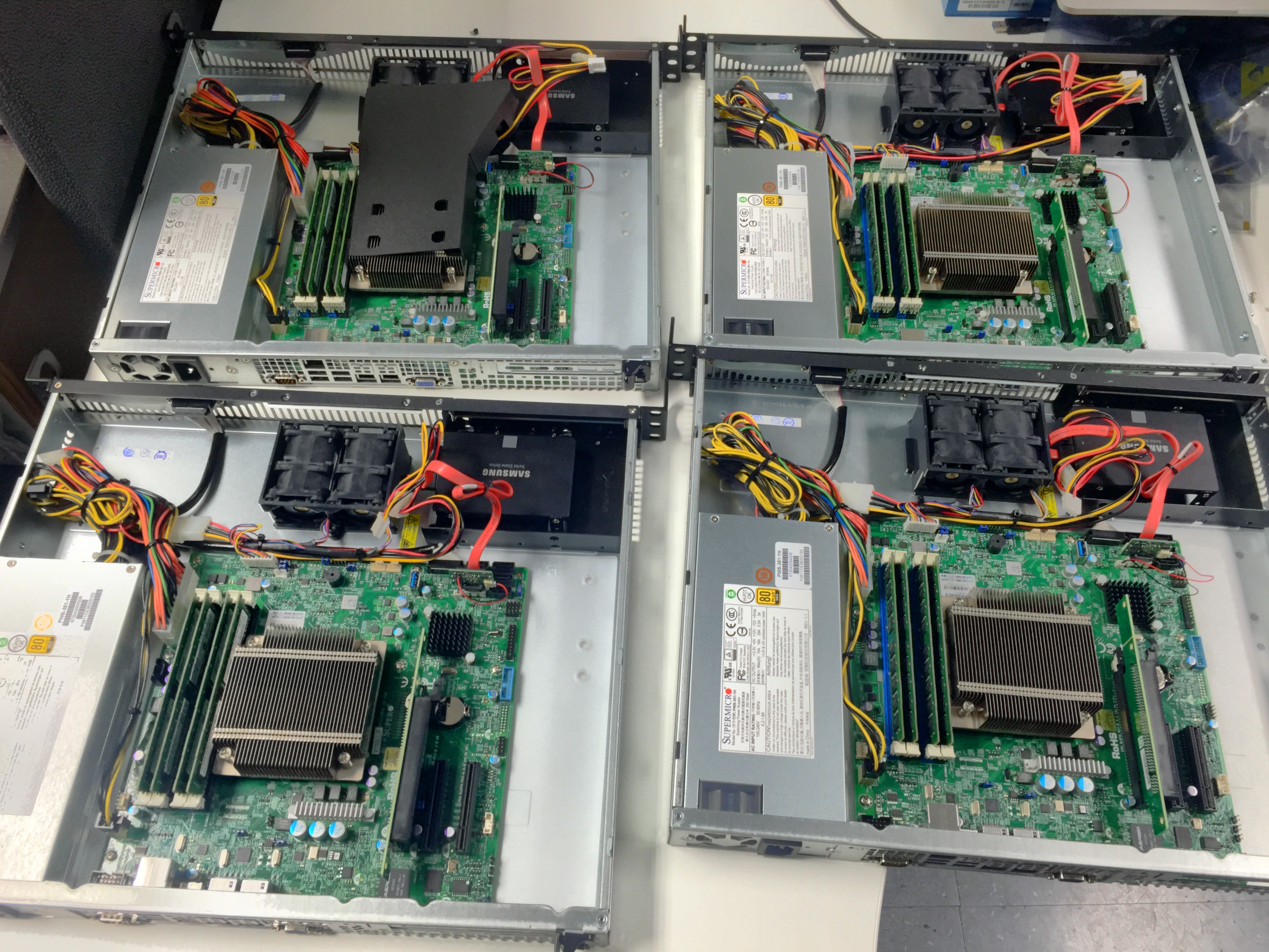
The end requirements were for virtual machine boxes that would be used for monitoring remote offices and deploying lightweight services. They would be shipped internationally, so the server needed to be less than 20″ deep, lightweight, and not break the bank. The results were known internally as “Project Reaper” and used the following hardware:
- SUPERMICRO SYS-5018D-MF 1U Rackmount Server Barebone — The core of our build, a standard 1U barebones server that’s only 14.5″ deep.
- Intel Xeon E3-1231V3 Haswell 3.4 GHz — When these servers were originally built, this processor provided a good balance of performance-to-cost.
- 2 * Crucial 16GB (2 x 8GB) 240-Pin DDR3 SDRAM — 32GB of RAM was the max for the motherboard, but provides more than enough memory for a half dozen VMs.
- SUPERMICRO SSD-DM032-PHI SATA DOM — The disk-on-module were nice separate units that the VMWare hypervisor was installed upon.
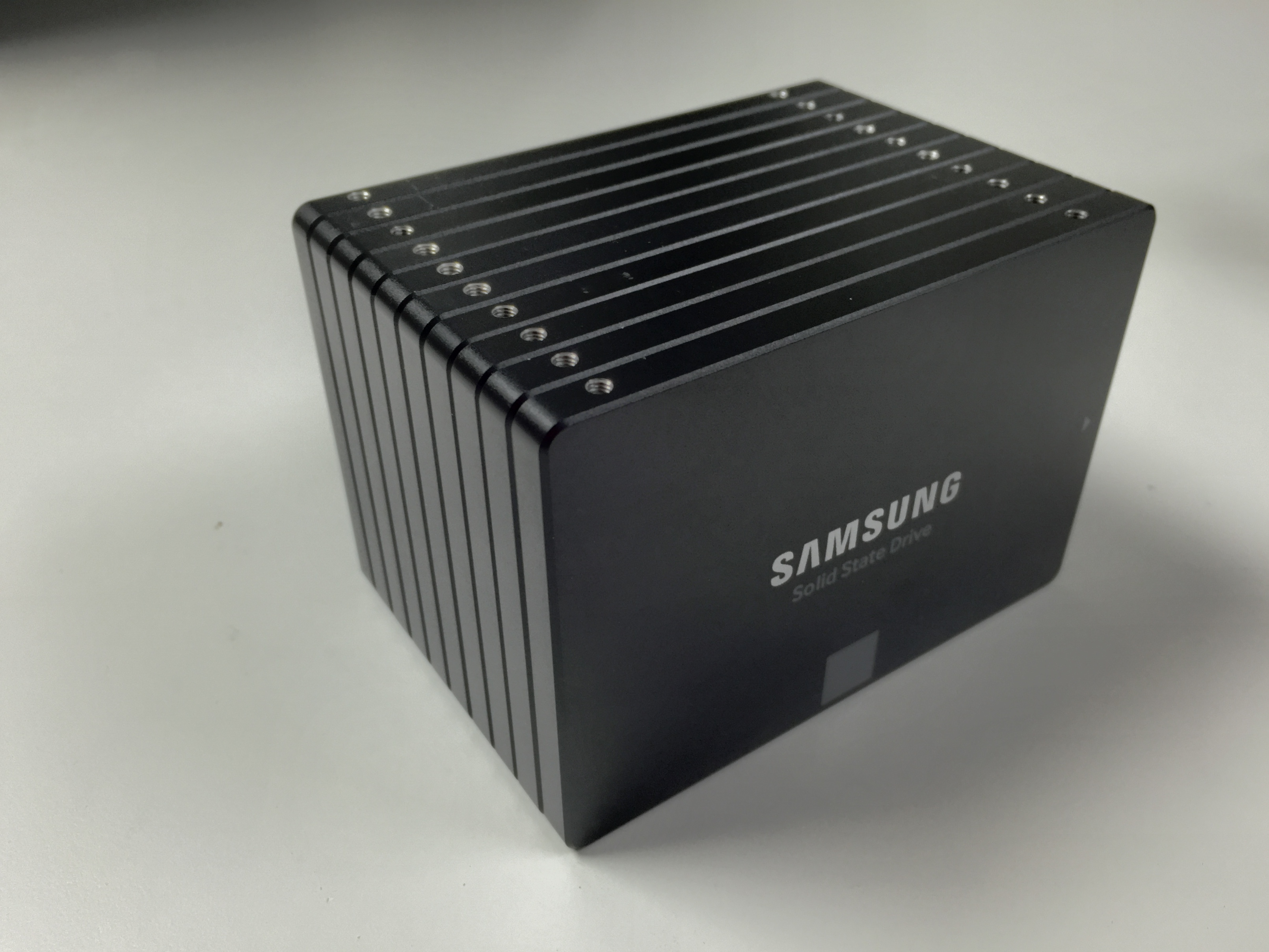
- SAMSUNG 850 EVO 2.5″ 500GB SATA III 3-D Vertical Internal Solid State Drive — A 500GB SSD provided more than enough storage for the half dozen VMs, and still had room for future growth.
- 2.5 Inch to 3.5 Inch Internal Hard Disk Drive Mounting Bracket Kit — The Supermicro didn’t provide any good mounts for 2.5″ drives, so a quick adapter was in order.
- Total Cost: $1,177.13 (as of 2015-10-05, plus tax & shipping)

The SuperServer 5018D-MF platform provides a sturdy backbone for this build, while working in a very restricted footprint. However most astute readers will have already noticed something critical, but lacking from this build: there’s no redundancy. It was very difficult to find full hardware redundancy in a package that fit our specs, so we opted to ship these servers out in pairs. Each one would be running a duplicate set of VMs to provide redundancy to key services. Should one machine fail in any way, spares at HQ (already prep’d) would be shipped out to replace the failed unit.
<p>
VMWare experts will also take this chance to point out that
VMotion could eliminate the need to maintain duplicate VMs. However that’s a paid feature which was going to cost more than $1500 per server, more than we paid for the hardware itself. It is, of course, something that can always be added later. Getting the hardware in place is the most difficult and time consuming portion; the software is easy to change after that.
<p>
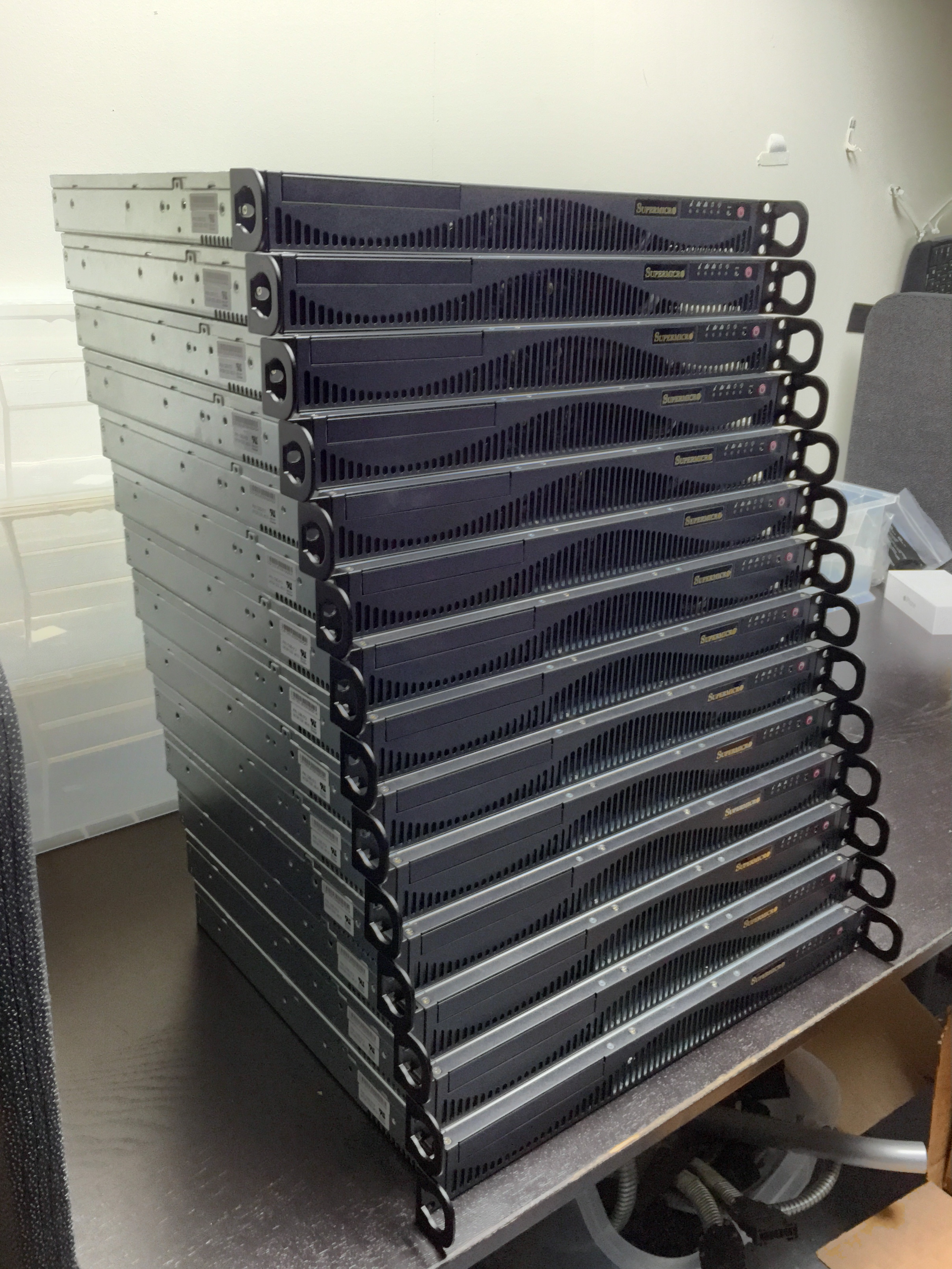
Our “Reaper” units were packaged up in pairs and deployed to five offices in three countries on two continents. There were 14 servers in the initial batch (which I made by hand). Assembling each one only took about 20 minutes at most. The biggest time sink in the entire project was getting enough quantity of certain components, such as the SuperDOM. In fact, if I was going to replicate this hardware again, I would seriously consider ditching the DOM for another SSD. Otherwise it was a solid build that has yet to fail.