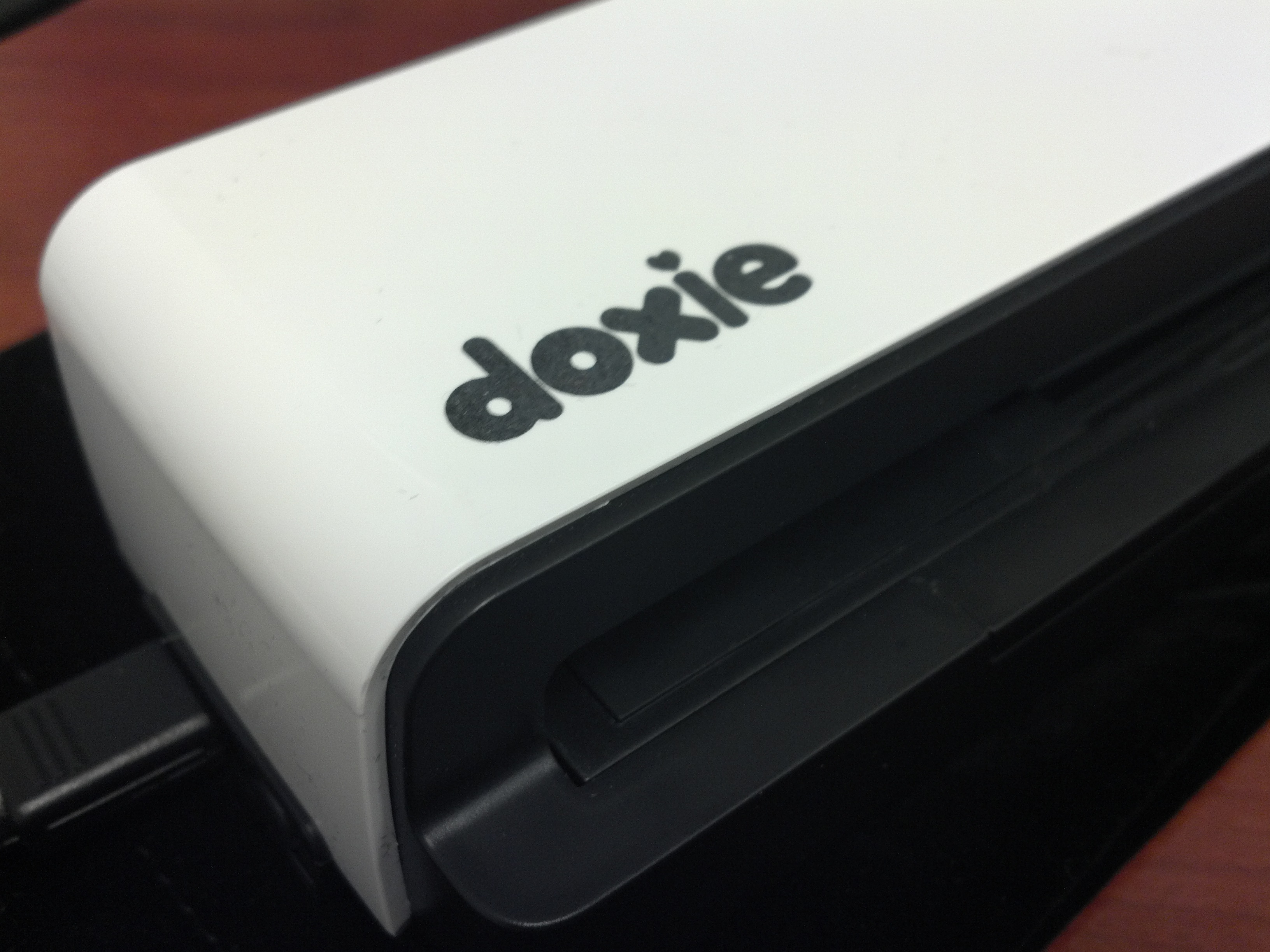
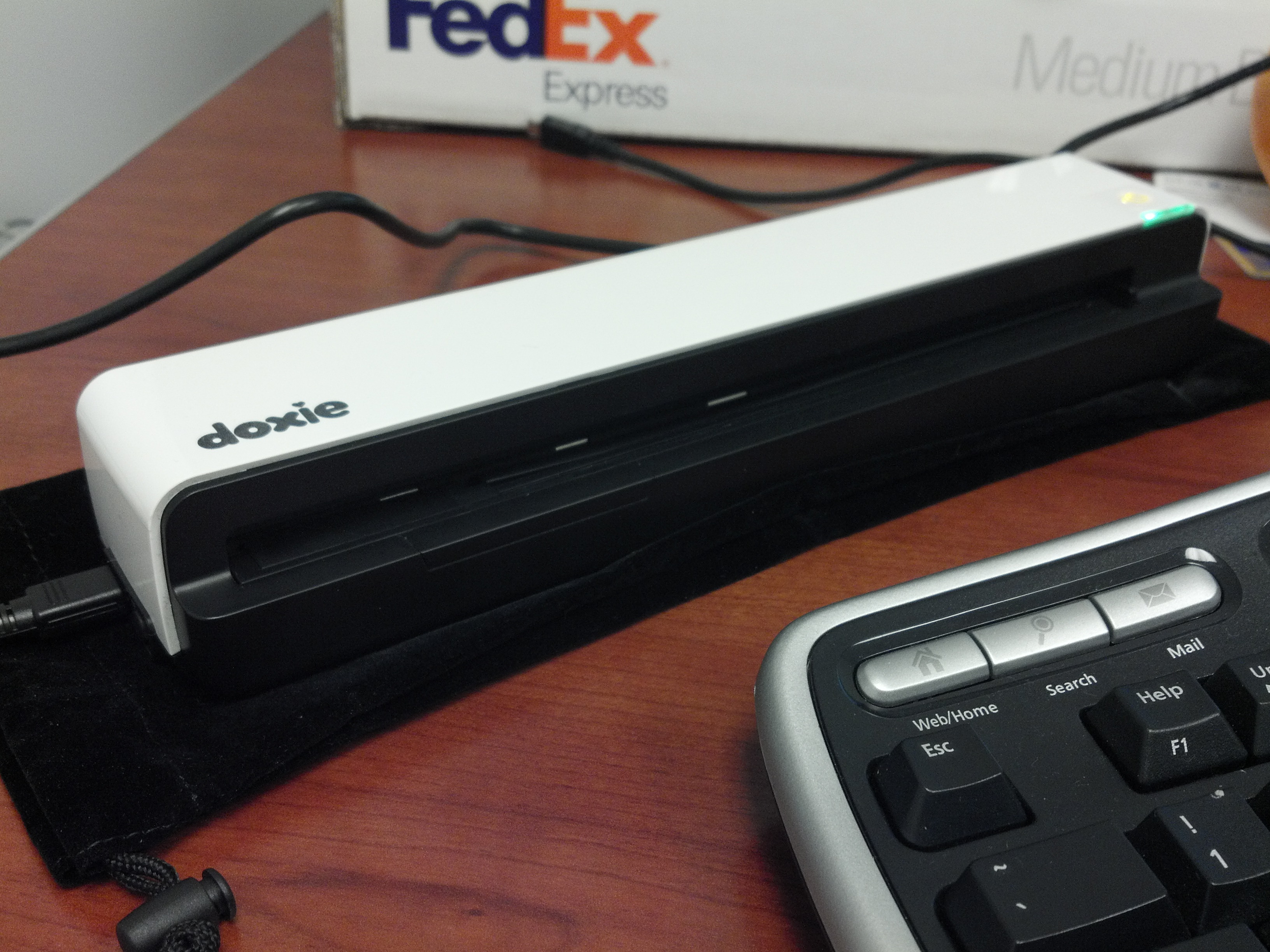
This week I got a brand new Doxie Go scanner. If you’ve never heard of it, have no fear. It’s a brand new model and honestly, I hadn’t heard about any of the other “Doxie” products before either. The Go is a portable cordless (not wireless — there’s a difference) scanner that has a built in battery and memory to scan “on the go”. It is a feed scanner that will do 300 dpi by default; it is also able to do 600 dpi. It is by no means a photo-scanner (Translation: It is not the device you use if you want to digitize your memories of high school forever in a digital format), that’s not what it is designed for. This is the scanner that you can drop into your bag/backpack/whatever, pull out and be scanning homework/receipts/printouts/instructions/bills/mail/notes in a matter of seconds.

Before I get to the review, I’d like to cover a question John asked me, “why did [I] buy it?” Well, I’m an IT guy and bad with paperwork. I have trouble getting around to sorting/filing/etc so paperwork tends to get lost. I have another scanner we bought (a “NeatReceipt”), but I don’t like it because it requires its own software. I liked the idea of a portable/cordless scanner because I can keep it in my bag with my computer and pull it out anytime/anywhere and scan paperwork — then forget about it & toss the paper. I know that sounds dorky, but I get receipts from stores or bits of “please keep this information safe” out of new hardware (which is inevitably unpacked at the datacenter) and If I don’t get to it quickly, it gets lost. I don’t care about sorting/storing/etc the scans — as long as I have them.
Onward, to the review! Let’s talk about this cordless/wireless thing. To most people the term “wireless” is synonymous with WiFi, or at least the transfer of data between two devices, without wires. The Doxie go is not “Wireless”. The Doxie Go is “cordless”, which means that it does not need to be plugged into anything to operate. To store its scans it has onboard memory; to operate it utilizes a built in battery.
How does it run? You press and hold the power button for 1 second and it starts “booting up”, after 5 seconds it is ready to scan. You push your paperwork up to the scanner, facing up, and it pulls the page in on its own. When the page is done, it’ll blink for about a second or two afterwards (indicating that it is still saving) and then it is ready for the next page. That’s it. The scanner is dead simple and fairly expedient. It takes roughly 8 seconds to scan one page on normal quality. It takes about twice as long for 600 dpi.
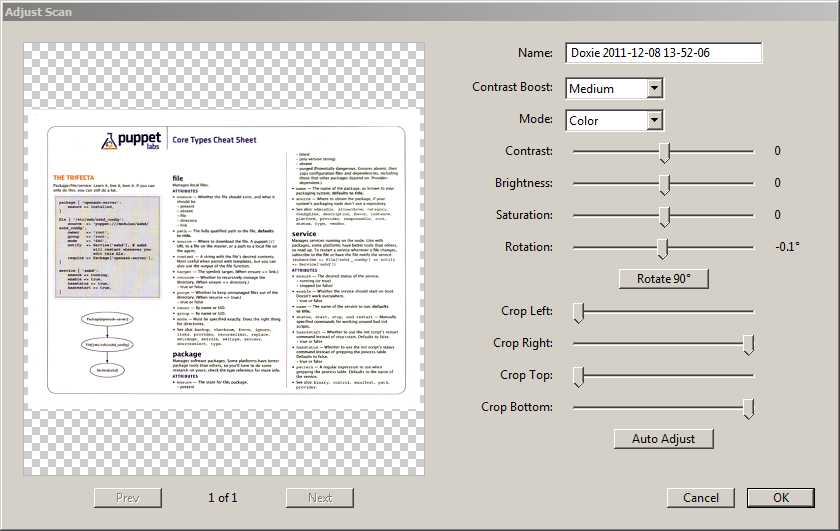
Since the Doxie scans to the internal memory in JPG format you can simply plug in the device and pull the files off. It puts them in a DCIM labeled folder, so it looks like a digital camera (making it easy to use any photo importing software you want). I love the fact that this device is totally “standard” for data. I have used the
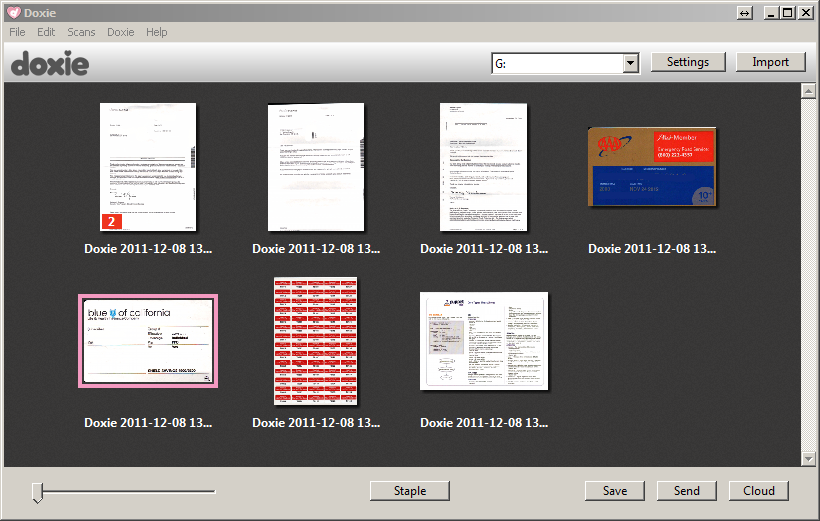
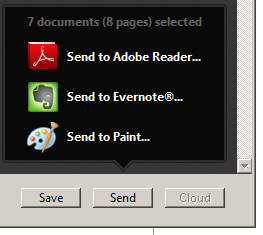
Doxie software and while simplistic, it does just enough without being super annoying. First step is the import (nothing to do here but wait — it is a little slow). Second step is to look through your scans, make any fixes necessary, corrections, rotations (Note: It has a nifty “staple” function so you can virtually re-assemble a multi-page document — rather than having a separate doc for each page). Lastly, you can either save the documents to jpg, pdf, png or bmp OR you can send them to other applications (like Adobe, MSPaint, and Evernote) OR you can send them to the Doxie cloud.
At the end of the day, I can’t tell you if the Doxie Go matches its promise of
100 scans per charge or if it’ll actually store a full 600 pages in memory (though the on-board memory is 512 MB — so 600 seems like a fair number). What I can tell you are the two things I don’t like. The first “con”, if you can even call it that, is the Doxie Go plugs in via Mini-USB instead of Micro-USB. I really, really, really, really wish they would have used Micro. It’s not the end of the world, but it is a little silly. The second “con” is that the OCR is not currently available. The Doxie software says it’ll be out this month though.
End of the day? I love the unit. It’s simple, it works, and it gets the job done. It came with a little carrying case so I can drop it in my bag and provided I don’t bash about too much, it’s safe. I wish I had one of these units when I was in school (or at least college). That’s okay though, because I’ll get plenty of use out of it now.